


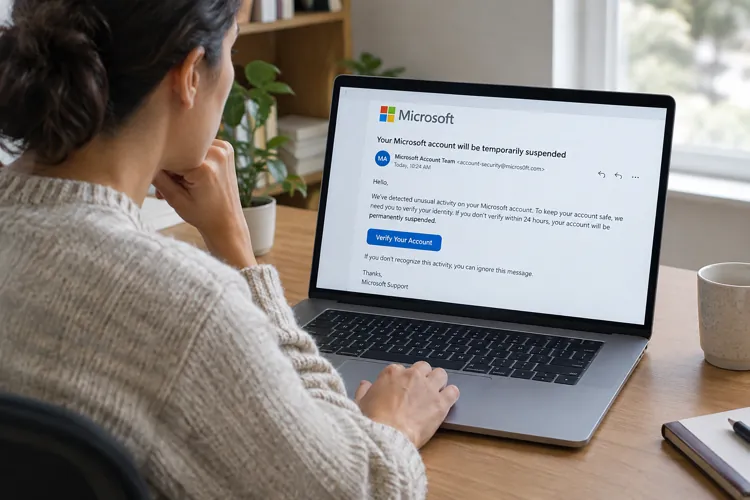
A phishing email posing as a Microsoft 365 notification tells recipients to verify their accounts or risk deactivation.
Warning signs include an unrelated sender address, a misspelled sender name and a verification link that leads away from Microsoft.
Recipients should report the message as phishing and check their accounts through their usual Microsoft apps or bookmarks.
An email claiming Microsoft is deactivating inactive accounts illustrates how scammers use familiar branding, threats and personalized information to lure recipients into clicking suspicious links. It may not be a coincidence that the email is hitting in-boxes in the hours after Microsofts outage.
The message displays MICROSOFT 365 above a brief warning: We are deactivating all Inactive Microsoft accounts. It then identifies the recipients email address and asks them to confirm that the account remains active by clicking a Verify Now button.
Author: Mark Huffman
Source: Consumer Affairs
Posted: 2026-11-13 16:16:04