Software Review: EaseUS Data Recovery Software Simplifies Backing Up Files
Listen To This Article
We all know how important it is to protect our data. In today's world, it is a must. This company, EaseUS, caught our eye while flying the web and thought they would be worth mentioning in this review. It should be noted, that this software did pass our Norton security scan.
The EaseUS software company was established in 2004. Its the business mission was to be an international leading software company in data backup, data recovery and disk management fields always keeps focus on data security and the best users' experience. With decades of research and self-development prior to their 2004 launch, EaseUS software products use advanced technology and are now installed on millions of computers, workstations and servers worldwide. Their services and software cover research, development, maintenance, programming, design, installation of various computer software.
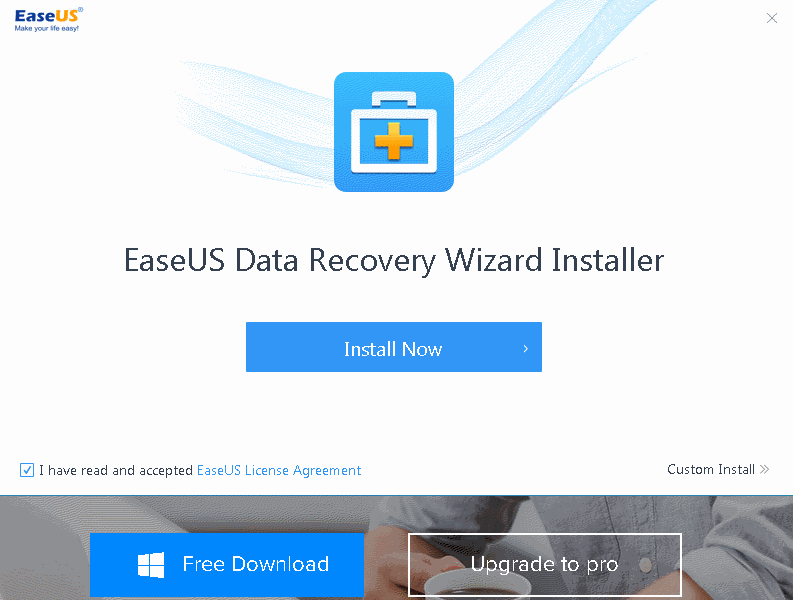
This software in an all-in-one Free Data Recovery for different loss situations. EaseUS Data Recovery Wizard Free can easily recover lost files, pictures, documents, videos, and more from deletions, formatting errors, partition losses, OS crashes, virus attacks, and other data loss scenarios. Recover up to 2GB for free. While flying the web, we found some users could only recover 500 MB and had to share EaseUS software to their friends on social media to get the full 2GB of restoration. Keep that in mind as you try their free version. To recover more gigabytes upgrade to their pro version.
This software also can recovery data from a SD card. An SD Card (Secure Digital Card) is an ultra small flash memory card designed to provide high-capacity memory in a small size. SD cards are used in many small portable devices such as digital video camcorders, digital cameras, handheld computers, audio players and mobile phones. After you accidentally recover formatted SD card, it is inevitable that you will need to recover files from the formatted SD card if it contained the important data. To do it successfully, you just need EaseUS Data Recovery Wizard - the most effective formatted SD card recovery tool or CMD with the built-in application in Windows.
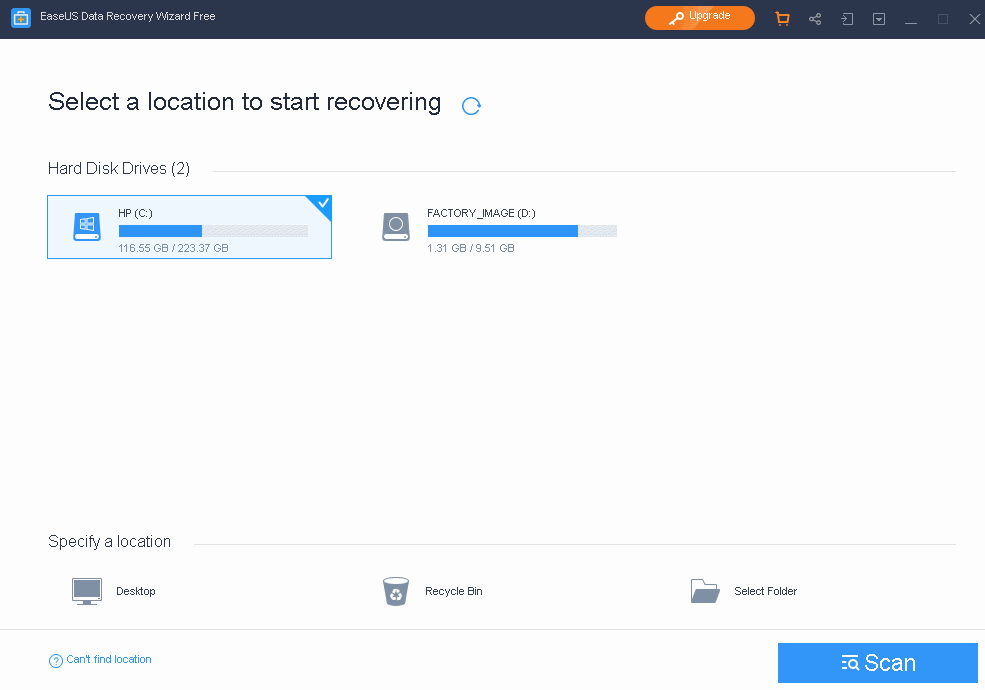
EaseUS Data Recovery Wizard Free is a Comprehensive Data Recovery tool in Just a Few Simple Steps. EaseUS Data Recovery Wizard Free guides you to precisely locate and recover all of the lost files from your PC, laptop, hard drive, SSD, USB, memory card, digital camera, etc.
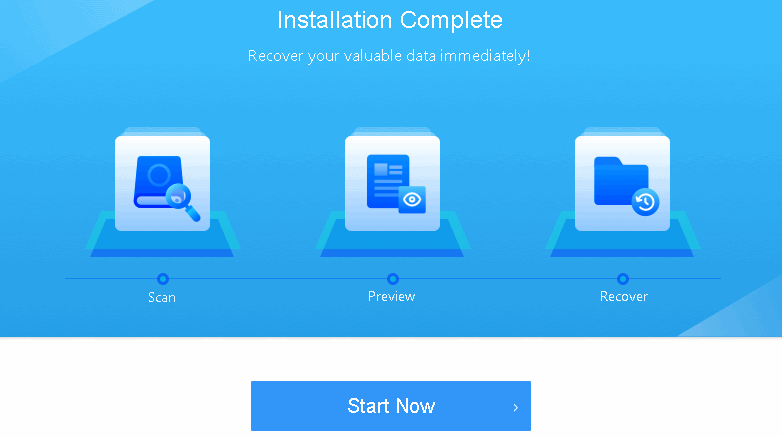
3-Click Fast and Simple 3-Click System.
Complete the entire recovery process in just 3 clicks. Fast and efficient!
You can easily recover all of your deleted and lost files.
No prior recovery experience is required.
2 Flexible Scanning Modes are Available.
Quick Scan - Searches for deleted files and folders using a basic algorithm for fast results.
Deep Scan - Scans the storage device folder by folder to ensure recovery results.
Preview Before Final Recovery.
Preview all files available for recovery.
Choose what you want to recover to avoid unnecessary recovery files.
Recover Many Popular File Types Like These And More...
Document DOC/DOCX, XLS/XLSX.
Graphics JPG/JPEG, TIFF/TIF, PNG, BMP, GIF.
Video AVI, MOV, MP4, FLV.
Audio AIF/AIFF, M4A, MP3, WAV.
Email PST, DBX, EMLX, etc.(from Outlook, Outlook Express.
Other Files Such as Archives(ZIP, RAR, SIT, ISO etc.), exe, html, SITX.
Pros and cons from around the web from software users...
The Cloud Future: https://thecloudfuture.com/EaseUs-review/
Pros - Designed for Every Data Loss Scenario. Easy to Use.
Cons - Can’t Scan Entire Hard Drive. Automatic Scanning Limits Control Over the Process.
Hosting Review: https://hosting.review/file-storage/EaseUs-review/
Pros - Superb customer support. Fast backups. 256-bit encryption. User-friendly system.
Cons - Not very customisable. Weird lack of full drive scan. Pricing is a little inflexible, more expensive for Macs.
EPhotoZine: https://www.ephotozine.com/article/EaseUs-data-recovery-wizard-professional-12-8-review-33255
Pros - Easy to use. Can recover various files. Can be used with various devices. Preview data before recovery. Searchable results.
Cons - Can be slow when recovering a lot of data. Price is higher than competitors.
In conclusion, it always good advice to shop around before you buy any software. By downloading EaseUS software's trial version gives you the opportunity to try it yourself. Always try before you purchase any software.