


A slow laptop rarely fails all at once. It starts with long startup times, a browser that freezes with too many tabs open, an update prompt you keep dismissing, or a fan that suddenly sounds like it is working overtime. That is where computer maintenance matters most - before a minor nuisance turns into lost work, a security problem, or an expensive replacement.
For most people, computer maintenance is less about technical skill and more about consistency. You do not need to take apart your machine every weekend or install a stack of utilities you barely understand. You need a practical routine that keeps performance steady, protects your files, and catches warning signs early.
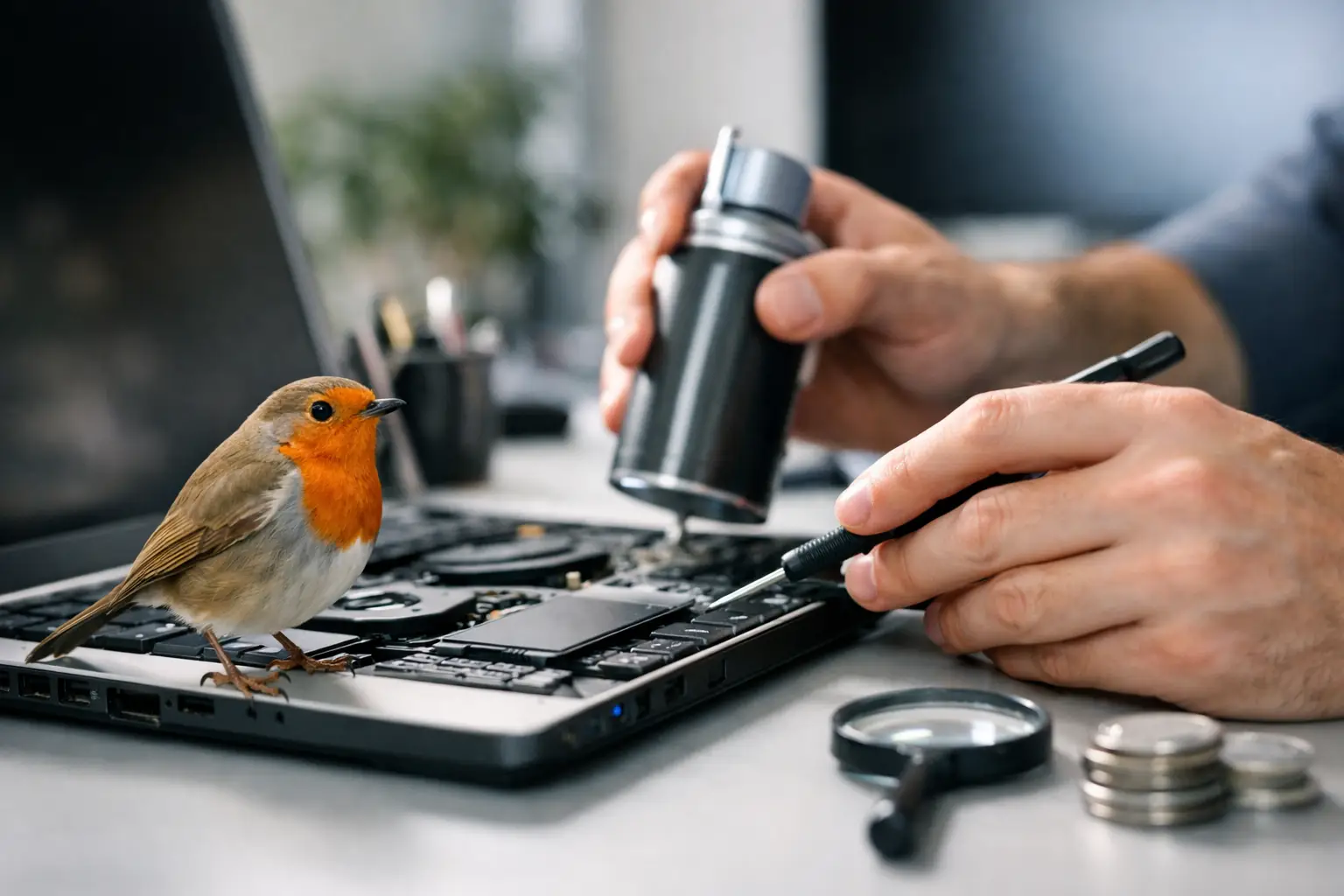
What computer maintenance really includes
People often reduce maintenance to deleting old files or clicking update later until the device forces the issue. In practice, the job is broader. A healthy computer depends on software updates, storage management, security checks, basic hardware care, and sensible daily habits.
That mix matters because one weak area can drag down the others. A system with plenty of free space may still feel sluggish if too many apps launch at startup. A fast desktop can still become unusable after malware gets in through an out-of-date browser. A clean operating system will not help much if vents are packed with dust and heat is throttling performance.
The useful way to think about maintenance is simple: keep the system current, keep it clean, keep it backed up, and keep an eye on anything that changes suddenly.
A simple computer maintenance schedule
Not every task belongs on the same timeline. Some things are worth checking weekly, while others only need attention every few months.
Weekly checks that prevent most slowdowns
Start with the basics. Restart the computer if you usually leave it running for days. This clears temporary glitches, finishes some updates, and can resolve background app issues that build up over time.
Then look at storage. If your internal drive is close to full, performance can drop quickly, especially on older machines. Remove downloads you no longer need, empty the recycle bin, and move large media files to external or cloud storage if they are not needed every day.
It is also smart to review what opens automatically when the computer starts. Startup overload is one of the most common reasons a healthy device feels slow. Many apps add themselves to startup without offering much value in return.
Monthly maintenance that protects security and stability
Once a month, check for operating system updates, browser updates, and updates for software you use often. Automatic updates help, but they do not always cover everything immediately. Leaving major software behind for months creates avoidable risk.
Run a security scan as well. Whether you rely on built-in protection or a dedicated security tool, regular scans can catch threats that slipped in through downloads, email attachments, or deceptive ads.
This is also a good time to review your browser. Remove extensions you do not recognize or no longer use. Extensions can slow browsing, create conflicts, and in some cases collect more data than users realize.
Every few months, look at the hardware side
Dust is not just cosmetic. It blocks airflow, increases heat, and shortens the margin for reliable performance. Desktops and older laptops are especially vulnerable. If you are comfortable doing so, clean vents and external openings carefully with compressed air. If you are not, keep the outside clear and avoid soft surfaces like beds or couches that block ventilation.
Battery health also deserves attention on laptops. If battery life drops sharply or the machine gets unusually hot while charging, do not ignore it. Some decline is normal over time. Sudden change is different, and it can point to a software issue, a failing battery, or charging hardware that needs inspection.
Performance problems are not always a sign you need a new computer
A lot of consumers replace devices earlier than necessary because the machine feels tired, not broken. Sometimes that is justified. Sometimes a short maintenance session delivers a noticeable improvement.
If your computer has become slow, check the obvious bottlenecks first. Is the drive nearly full? Are too many browser tabs and background apps open? Has the machine gone weeks without a restart? Are updates pending? Is security software reporting anything unusual?
If those checks do not help, age starts to matter. Older computers with limited memory or traditional hard drives have less headroom for modern apps, larger websites, and heavier operating system demands. At that point, maintenance still helps, but expectations should stay realistic. Good upkeep can extend useful life. It cannot fully offset outdated hardware.
Security is part of computer maintenance, not a separate task
People often treat cybersecurity like a different subject, but for everyday users the two are closely connected. Computer maintenance includes security because neglected systems are easier targets.
Outdated software is one example. Security fixes are frequently bundled into routine updates, so postponing them for convenience carries a real cost. Weak passwords are another issue. If you are still reusing the same login across multiple accounts, a password manager is more helpful than another cleaning app.
Backups matter just as much. A backup does not stop malware, accidental deletion, or hardware failure, but it changes the outcome. Losing a device is frustrating. Losing irreplaceable files is worse. A simple backup plan, whether cloud-based, external, or both, is one of the highest-value parts of computer maintenance.
The difference between useful tools and digital clutter
There is a huge market for apps that promise to speed up, clean, repair, or optimize your computer in one click. Some are helpful. Many are unnecessary. A few create more problems than they solve.
In most cases, built-in system tools already cover the essentials: storage cleanup, update management, security monitoring, and startup app control. Third-party utilities make more sense when they solve a clear problem you actually have, not when they sell vague promises about boosting performance.
The trade-off is convenience versus control. A well-designed utility can save time. But too many background tools competing to clean, scan, or optimize the same system can add overhead and confusion. If you install one, make sure you understand what it does and why you need it.
Good daily habits do more than occasional cleanup
The best maintenance routine is the one that fits ordinary use. That means paying attention to how you handle files, apps, downloads, and power.
Save important documents in organized folders instead of leaving everything on the desktop. Install software from trusted sources. Close apps you are not using. Avoid piling years of unused programs onto the machine just because storage once looked plentiful.
Laptop care also matters in small ways. Heat and drops shorten lifespan faster than most people expect. Using a hard surface, carrying the device in a proper sleeve, and keeping liquids away from the keyboard sound basic because they are basic - and they still prevent plenty of avoidable damage.
For shared family computers, maintenance also includes user behavior. One person clicking suspicious pop-ups or downloading random software can affect everyone using the device. Clear rules help more than technical jargon.
When computer maintenance is not enough
Sometimes a system is telling you something routine upkeep cannot fix. Frequent crashes, blue screens, corrupted files, loud clicking sounds from a drive, random shutdowns, and severe overheating deserve more than another restart.
That does not always mean the computer is finished. It may need a failing drive replaced, memory checked, a battery serviced, or the operating system reset. But it does mean waiting usually makes things worse. If the device contains important files, back them up before doing anything more aggressive.
For people who rely on one machine for work, school, or household admin, this is the point where delay gets expensive. Maintenance is partly about prevention, but it is also about knowing when a warning sign has moved beyond routine care.
Why regular computer maintenance still matters now
Modern systems are better at handling updates, security, and recovery than older ones were. Even so, convenience has not removed the need for attention. People store more online accounts, more personal data, and more work on their devices than ever before. That raises the stakes.
A dependable computer is not only about speed. It is about trust. You want the machine to start when needed, save what matters, protect what is private, and stay ready for everyday tasks without constant troubleshooting. That is why computer maintenance continues to pay off across home use, remote work, school, and entertainment.
For a broad digital audience that moves between news, video, shopping, streaming, and daily admin in one session, reliability is part of convenience. A few steady habits do more than one dramatic cleanup ever will. Treat maintenance like regular care instead of emergency repair, and your computer will usually return the favor when you need it most.