

Search results for “amazon prime members uber eats free delivery” can point shoppers in the wrong direction. Amazon Prime’s food-delivery benefit in the United States is tied to Grubhub+, not Uber Eats. That distinction matters when a quick dinner order is already expensive enough before delivery charges, service fees, taxes, and tips appear at checkout.
For Prime members looking for a practical meal-delivery perk, the real question is not whether an Uber Eats order qualifies. It is whether the restaurant is eligible through Grubhub, whether the Grubhub+ benefit has been activated, and what charges remain after the delivery fee is removed.
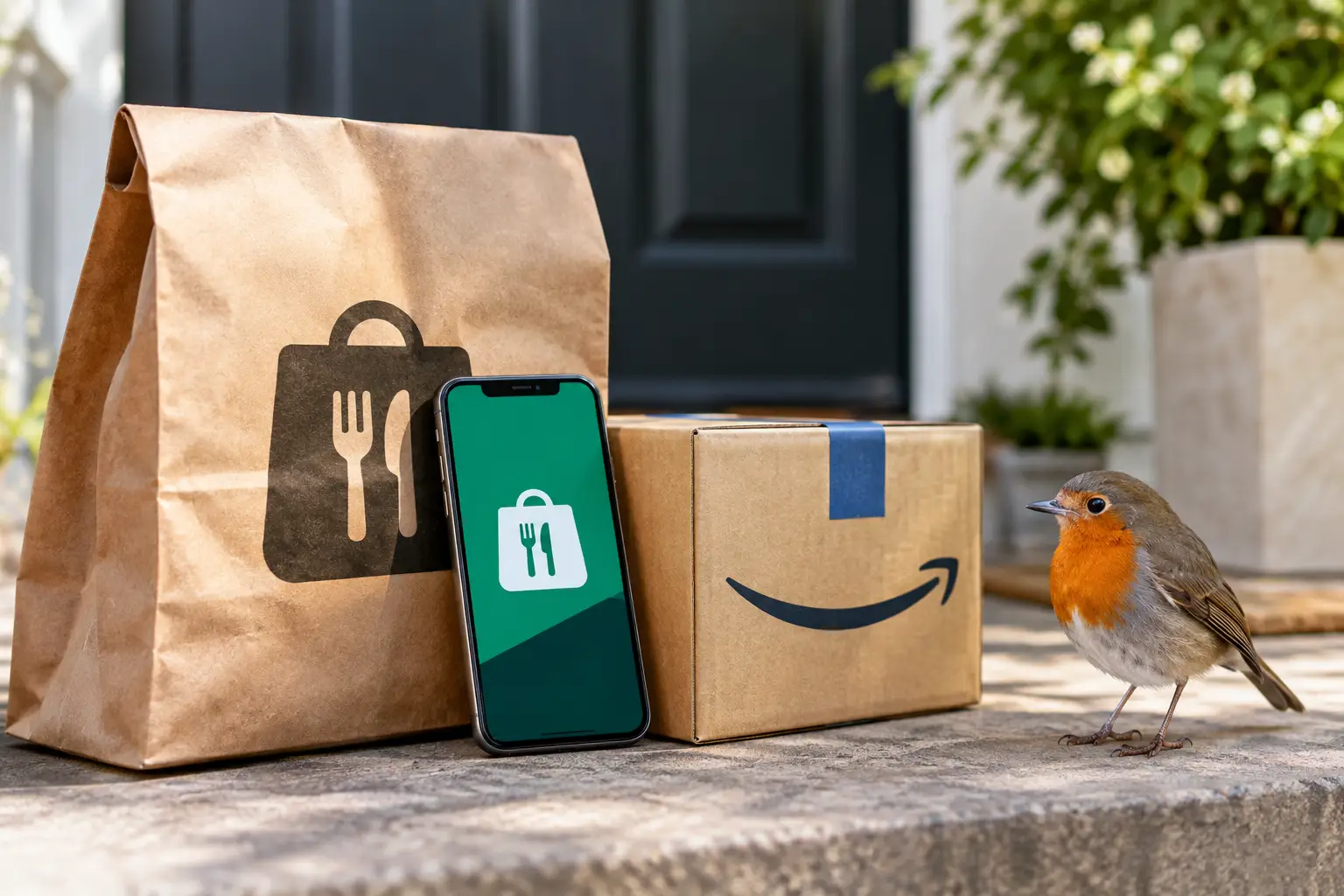
Do Amazon Prime Members Get Uber Eats Free Delivery?
No standard Amazon Prime benefit provides free delivery through Uber Eats. Uber Eats is operated separately, and its subscription program is Uber One. Uber One may offer $0 delivery fees on eligible orders, plus other member pricing or promotional benefits, but it is not automatically included with an Amazon Prime membership.
That does not mean an Uber Eats promotion can never appear for a Prime customer. Banks, mobile carriers, credit card issuers, and the Uber platform itself sometimes run limited offers. Those deals can have enrollment rules, end dates, restaurant minimums, or geographic restrictions. They should be treated as separate promotions, not as a standing Prime benefit.
The confusion is understandable. Delivery subscriptions have similar names, similar promises, and similar limits. A shopper may see “free delivery” in a headline, then assume the offer applies across every app. In practice, the app matters as much as the membership.
What Amazon Prime Members Actually Receive
Eligible Prime members in the U.S. can generally receive a Grubhub+ membership at no additional monthly cost. Grubhub+ is Grubhub’s paid membership program, and one of its central benefits is $0 delivery fees on eligible orders from participating restaurants.
The word “eligible” does the heavy lifting. Not every restaurant, order type, location, or item will qualify. Restaurants set their own delivery areas and minimums, and the Grubhub app identifies participating locations before checkout. If a restaurant is outside the program or an order misses a required subtotal, the delivery charge may return.
Prime members normally need to activate the benefit and connect their Amazon account with a Grubhub account. Once it is active, the Grubhub+ membership should show in the account area of the app or website. If it does not, it is worth checking whether the Amazon account has an active Prime subscription, whether a different Grubhub account was used previously, or whether the offer terms have changed.
This is a useful consumer benefit for people who already pay for Prime and order restaurant delivery often enough to make fees noticeable. It is less valuable for someone whose favorite local restaurants are not available on Grubhub, or who orders delivery only a few times each year.
Free Delivery Does Not Mean a Free Order
The phrase “free delivery” can create the wrong expectation. A waived delivery fee is only one line on the receipt. Food delivery platforms may also charge service fees, local fees, small-order fees, taxes, and fees related to special requests. Tipping the driver is separate and remains an important part of the order cost.
Menu prices can also differ from in-restaurant prices. Some restaurants use the same prices across channels, while others list higher prices on delivery apps to help cover platform costs. The result is that a $0 delivery fee can still produce a total that is significantly higher than picking up the same meal.
A better way to judge the benefit is to compare the final checkout totals, not just the banner at the top of the app. Check the restaurant subtotal, the fee breakdown, and the order minimum before placing an order. For a household placing several eligible orders a month, the waived delivery fees can add up. For one small order, a small-order fee or service fee may outweigh the savings.
How to Use the Prime Grubhub+ Benefit
The setup process is usually straightforward, but taking a minute to verify it can prevent surprises at checkout. Start from the Prime benefit area and follow the instructions to claim Grubhub+. Sign in to an existing Grubhub account or create one, then confirm that the membership status appears as active.
After activation, browse restaurants that display Grubhub+ eligibility. Add items until the order meets any posted minimum. Before submitting payment, review the delivery line and the full fee breakdown. If a delivery fee appears where you expected it to be waived, the restaurant may not participate, the order may be below the threshold, or the account may not be correctly connected.
Keep an eye on membership status after changing an Amazon account, renewing Prime, or using a different email address. Subscription benefits can be account-specific, and it is easy to accidentally place an order through a second profile that does not have Grubhub+ attached.
Choosing Between Grubhub and Uber Eats
The best delivery app is often the one with the better restaurant selection near a specific address. A Prime member may have a strong reason to check Grubhub first because the membership can reduce eligible delivery charges. But Uber Eats may still be the better option when it has a restaurant unavailable elsewhere, a faster quoted delivery time, a better promotion, or a lower final total.
This is where comparing the cart matters more than loyalty to one platform. The same restaurant can show different menu prices, delivery estimates, promotions, and fees in competing apps. A $0 delivery fee on Grubhub does not automatically beat a discounted Uber Eats order, especially if one platform has a temporary restaurant offer.
For regular Uber Eats users, Uber One may still be worth considering separately, but only after looking at actual ordering habits. A paid membership is harder to justify if the user orders infrequently or if nearby restaurants do not consistently qualify. Consumers should also review renewal terms before signing up for any trial or introductory promotion.
Fees and Limits to Check Before You Order
A fast checkout can hide the details that determine whether a deal is genuinely useful. Before confirming an order, check these four items:
- Whether the restaurant is marked as eligible for the relevant membership benefit.
- The minimum food subtotal required for $0 delivery or another advertised offer.
- Service fees, small-order charges, taxes, and any local regulatory fees.
- The delivery estimate and the driver tip, which should be part of the real total rather than an afterthought.
These details can vary by city, restaurant, time of day, and order size. High-demand periods may bring longer wait times or additional charges, while certain restaurants limit delivery distances. Promotions can also exclude alcohol, gift cards, catering orders, or particular menu categories.
Why the Difference Matters for Prime Shoppers
Amazon Prime bundles a wide range of services, which makes it easy for a benefit to be remembered incorrectly. People may associate Prime with shopping delivery and then assume restaurant delivery works the same way across every major app. The reality is more specific: Prime can add value through Grubhub+, while Uber Eats remains its own service with its own membership and pricing structure.
That clarity helps shoppers avoid paying twice for overlapping subscriptions. Before subscribing to Uber One, a Prime member can first see whether Grubhub covers the restaurants they use most. Before relying only on Grubhub+, they can compare an occasional Uber Eats promotion when a preferred restaurant is exclusive to that app.
Food delivery is a convenience purchase, and convenience is personal. A nearby favorite restaurant, a late-night order, or a reliable driver can matter more than a small difference in fees. Still, checking the app, the benefit eligibility, and the final total gives Prime members the information they need to choose the order that makes the most sense that night.